mID+ in your
phone
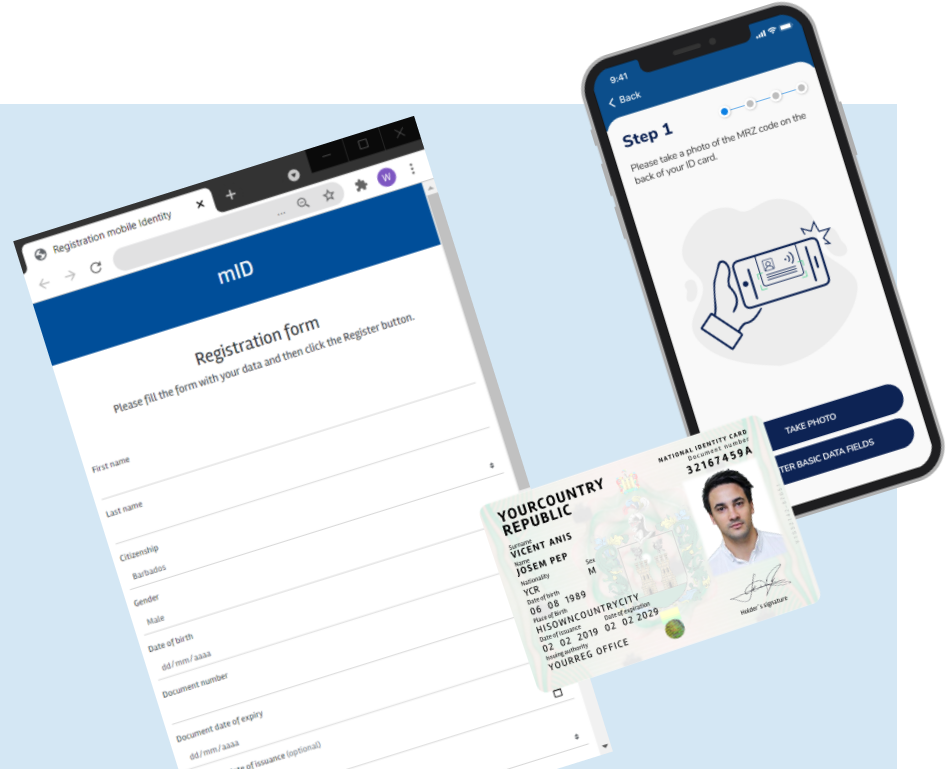
Create your mobile smart ID credential by following these steps
- 1. Download the app here (Android version).
- 2. You must have a Demo Account created before proceeding with the mobile app. If you do not already have one, you can create it here.
- 3. Create your mobile ID:
- Option A: Derive your mobile credential in the app directly form your physical ID card or Passport; or
- Option B: Sign up in the mobile app with your Registration code.
- 4. Done! Your mobile smart ID credential has been created.
- 5. After that your smart mobile Driving Licence and Health credentials are automatically created!
- 6. Download the reader/verifier app here (Android version).
- 7. And test the verification process!
Check your registered data
